
Employee Time Clock Software
Let employees clock in from their phone or a shared tablet on-site — and see exactly who is on in real time.
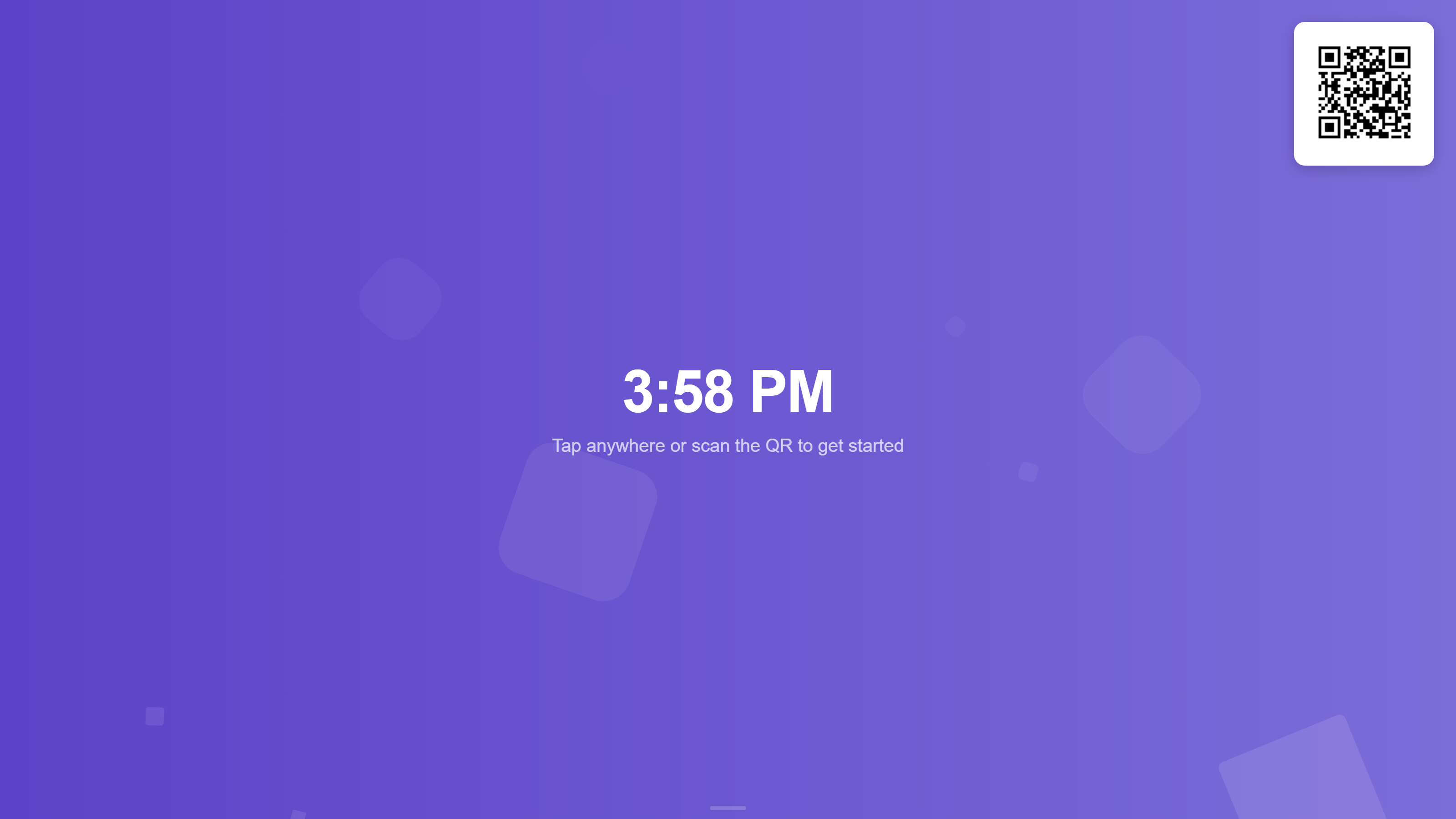
Knowing who has shown up and when should not require a phone call
Paper sign-in sheets and manual tracking leave gaps. Urhere gives employees a simple way to clock in from their phone or a shared tablet, and gives managers a live view of who is on site, who is late and who has not arrived yet.
See who is on site right now
The live attendance view shows the current status of every rostered employee. Clocked in, on a break, late or not yet arrived — updated as it happens.
Managers can deal with attendance issues as they come up, not at the end of the day when timesheets are due. Late arrivals and missed clock-ins are flagged automatically so nothing is missed before payroll.
- Real-time attendance status for all rostered staff
- Late arrivals and missing clock-ins flagged automatically
- Break times captured alongside shift times
- Attendance data flows directly into timesheets
.png)
A time clock that works the way your team works
Mobile app clock-in, shared kiosk, or both — depending on your workplace.
Mobile clock-in
Employees clock in from the Urhere app on iOS or Android. No shared device required.
Tablet kiosk for on-site clock-in
Set up a shared tablet as a kiosk at your site or venue. Staff tap to clock in when they arrive.
GPS location confirmation
GPS can be used to confirm staff are at the correct location when they clock in from the mobile app.
Real-time attendance view
Managers see who has clocked in, who is on a break and who has not arrived — updated live.
Clock-in data builds timesheets
There is no separate timesheet step. Clock-in and clock-out times flow directly into timesheets.
Exceptions flagged automatically
Late arrivals and missed clock-ins are flagged so managers can deal with them before payroll.
How the clock-in process works
From when staff arrive to when timesheets are approved.
Employee arrives at work
The employee opens the Urhere app on their phone, or walks up to the shared kiosk tablet at the venue entrance.
Clock-in confirmed
The employee taps to clock in. The time is recorded against their rostered shift. The manager's attendance view updates immediately.
Manager sees attendance live
The live attendance panel shows who is clocked in, who is on a break and who has not arrived. Late arrivals are flagged automatically.
Break times recorded
When the employee starts a break, they clock out for the break and back in when they return. Break duration is recorded in the timesheet.
Shift ends, clock-out recorded
At the end of the shift, the employee clocks out. Total hours are calculated from the actual start and finish times.
Timesheet built automatically
Clock-in data builds the timesheet with no manual entry. The manager reviews actual hours, adjusts if needed and approves before payroll.
Common questions about employee time clocks
One flat price per location, per month.
Rostering, time and attendance, timesheets and payroll exports — one flat price per location. No per-user fees, no add-ons, no lock-in. Try free for 14 days.